Websites and menus for restaurants

Your restaurant website and menu, always up to date

Restavox is a simple panel for restaurant owners: network profile, locations, menus, and photos published on a modern website — no developer needed.

No online ordering, reservations, or payments — Restavox keeps your page and menu always up to date.

  • Live on a subdomain right away
  • A menu per location
  • Mobile-first
  • One-switch publishing

01 — Product

Everything a restaurant website needs

One owner panel. What you change there goes straight to your public page.

01

Public restaurant page

A modern page with your menu, address, opening hours, and contact details — instantly available on a platform subdomain.

02

Menu under control

Categories, items, prices, and availability. Separate menus per location with one-click menu copying.

03

Networks and locations

A single restaurant or a whole chain — add locations, pick a default one, and decide what is publicly visible.

04

Photos and branding

Logo, hero image, and dish photos. You pick the template; the page looks great on mobile too.

05

Draft and publish

Work on a draft without pressure. Publish with a single switch exactly when you are ready.

02 — Templates

Two polished templates, no compromises on mobile

You pick the template in the owner panel. Content, menus, and photos stay — only the look changes.

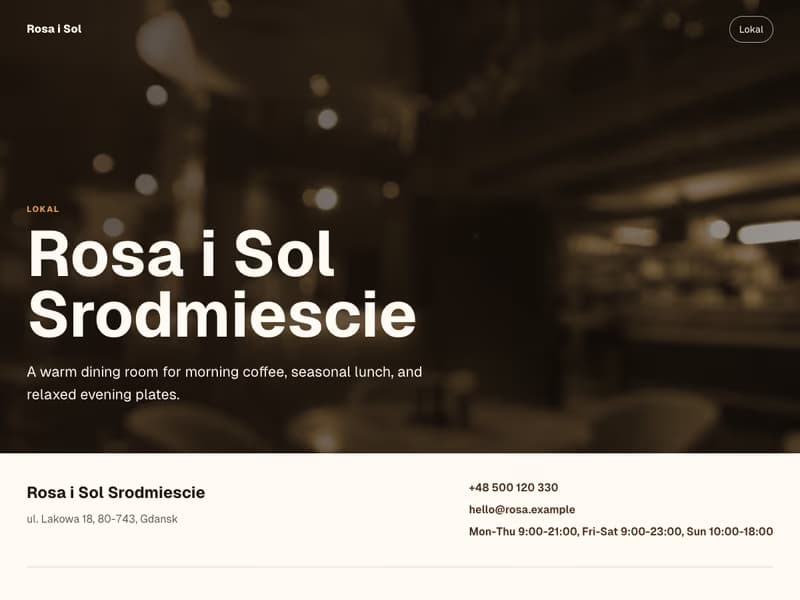
Screenshot of the Restavox Default template with a sample restaurant
Restavox Default

A calm, light layout that puts the menu first. A good start for any kitchen.

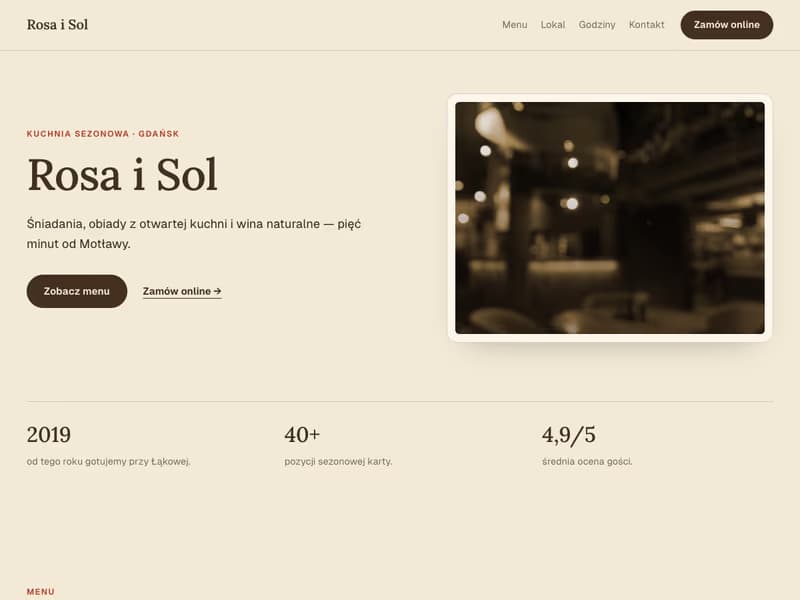
Screenshot of the ChoNoTu template with a sample restaurant
ChoNoTu

An expressive template with stronger branding. The order button is a link to an external system if you use one.

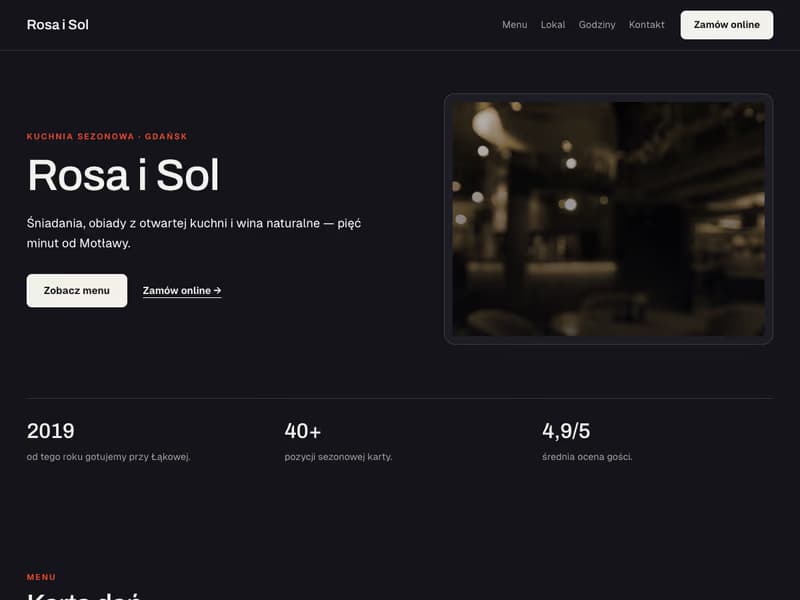
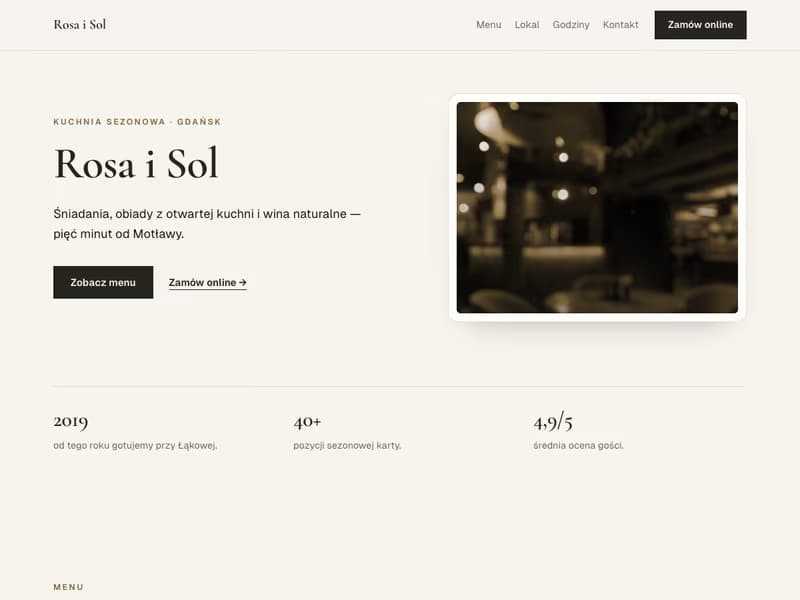
Below are real screenshots of the templates with sample data — not mockups.

03 — Publishing models

One restaurant, several venues, or a full network

The same owner panel supports different ways to publish the brand, locations, and menus.

01

Network page as the landing page

The root subdomain can show the brand, location list, shared content, and an optional network menu.

02

Default location homepage

For one primary venue, the domain can open directly on that location page.

03

Separate location pages

Each location has its own URL, contact details, image, publish status, and menu.

04

Shared or local menus

Publish one network menu or maintain separate items and prices for each location.

04 — How it works

From account to published page

Five steps in the owner panel.

  1. 01

    Create a network

    Sign up and name your restaurant or chain.

  2. 02

    Add a location

    Address, opening hours, and contact details.

  3. 03

    Fill in the menu

    Categories, items, prices, and availability.

  4. 04

    Upload photos

    Logo, hero image, and dish photos.

  5. 05

    Publish

    One switch — your page is live.

05 — Public page

What your guest sees

Guests look for menus and opening hours on their phones. Your page answers right away.

  • A menu that is always current — no PDFs, no stale prices.
  • Address, opening hours, and contact right at the top.
  • Designed mobile-first — where your guests are.

Honest about scope

Restavox does one thing well today: an up-to-date page and menu for your restaurant.

In Restavox today

  • A page on a platform subdomain
  • A menu for every location
  • Networks and multiple locations
  • Photos and branding
  • Draft mode and publishing

Not in Restavox today

  • Online ordering
  • Reservations
  • Payments
  • POS integrations

06 — FAQ

Frequently asked questions